
Overview
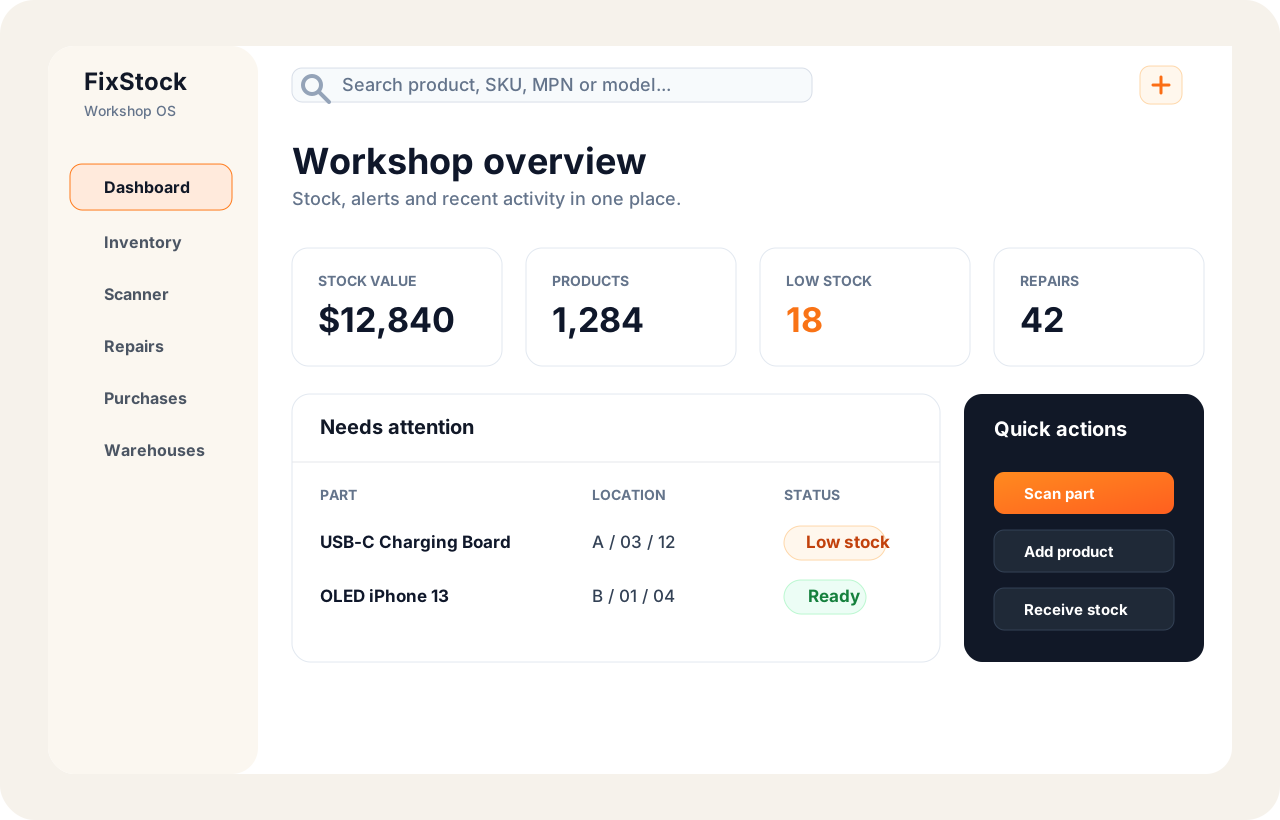
Dashboard for the whole workshop
See stock value, low-stock risk, active repairs and quick actions from the first screen.
Track every part, know exactly where it is, scan it when you use it and get warned before stock runs out.
FixStock is built around the daily flow of a repair shop: receive parts, store them in exact locations, scan them into repairs and print documents when the work is done.
See stock value, low-stock risk, active repairs and quick actions from the first screen.
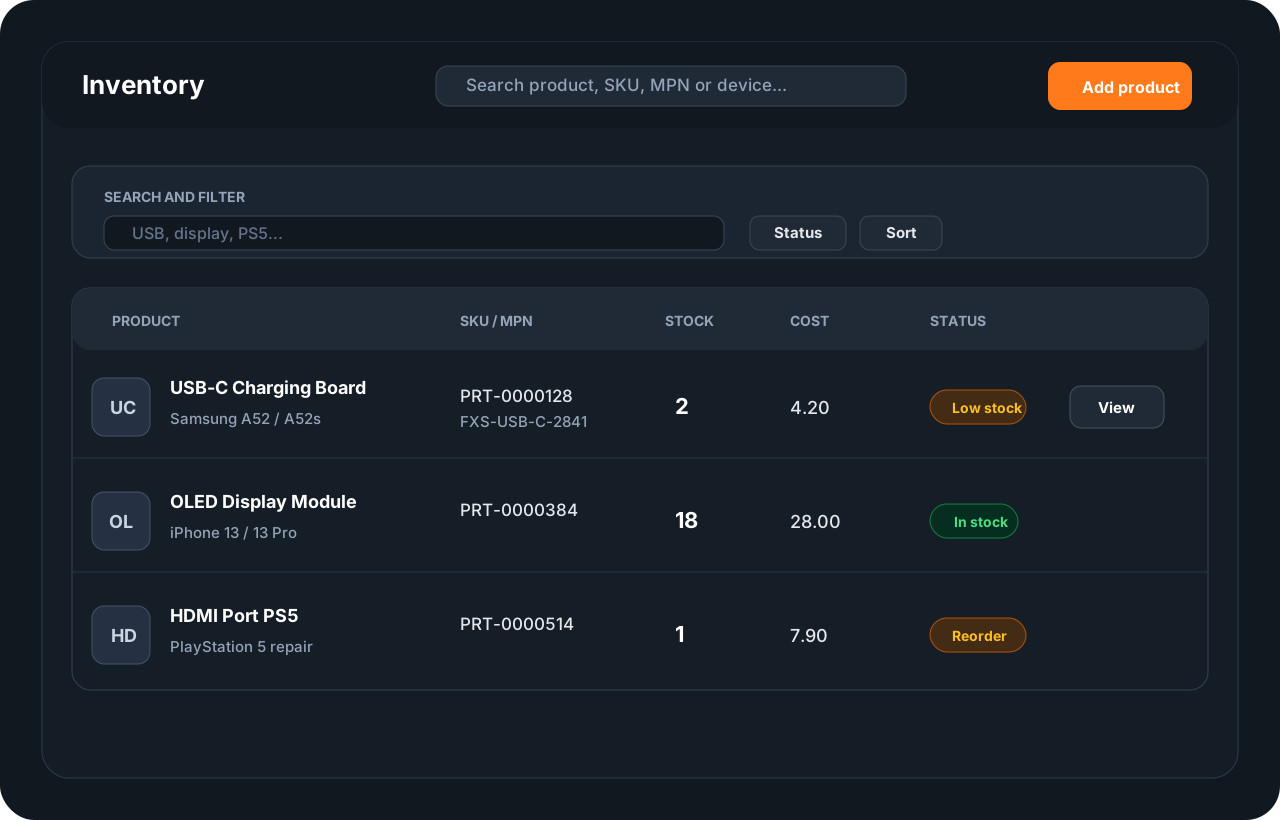
Search by name, SKU, MPN, device model or barcode. Keep product photos and purchase cost next to the stock level.
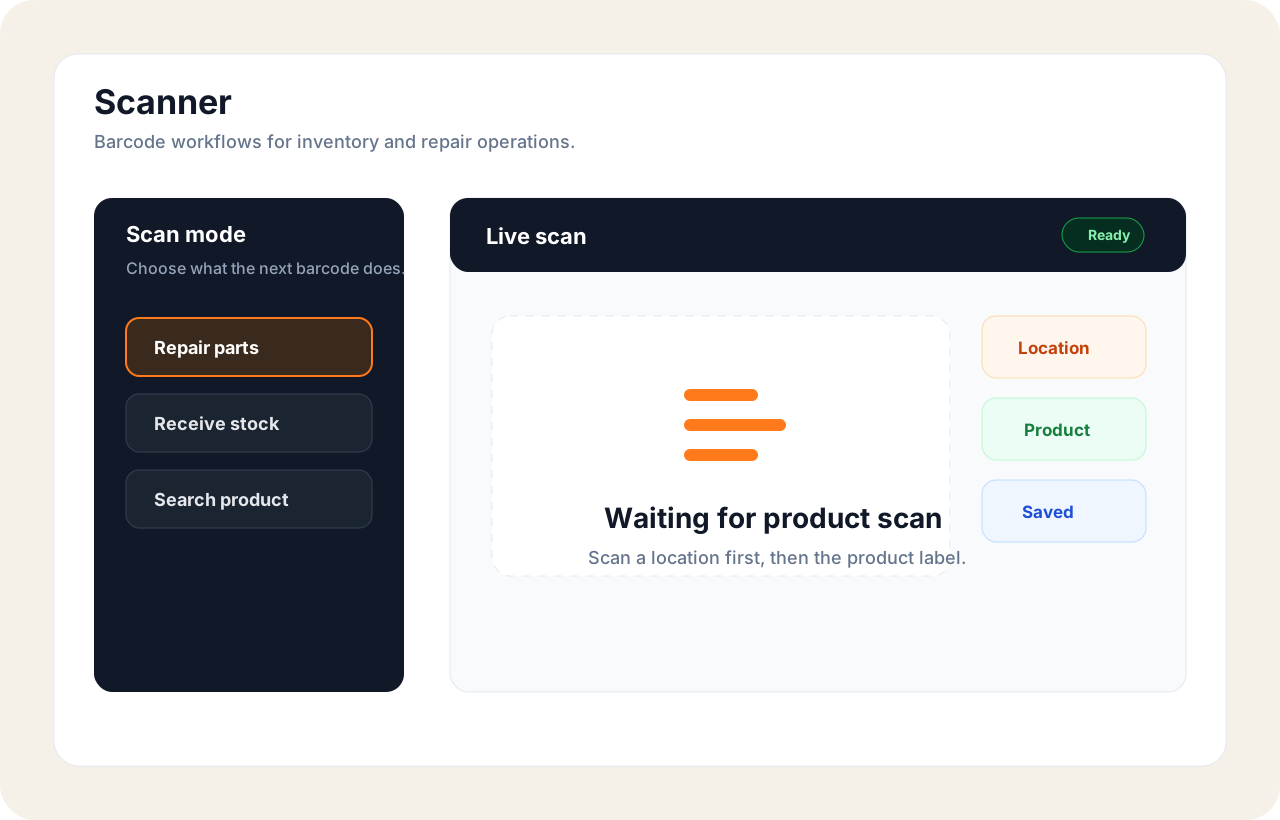
Use the same scanner for search, receiving, quick use, transfers and repair parts.
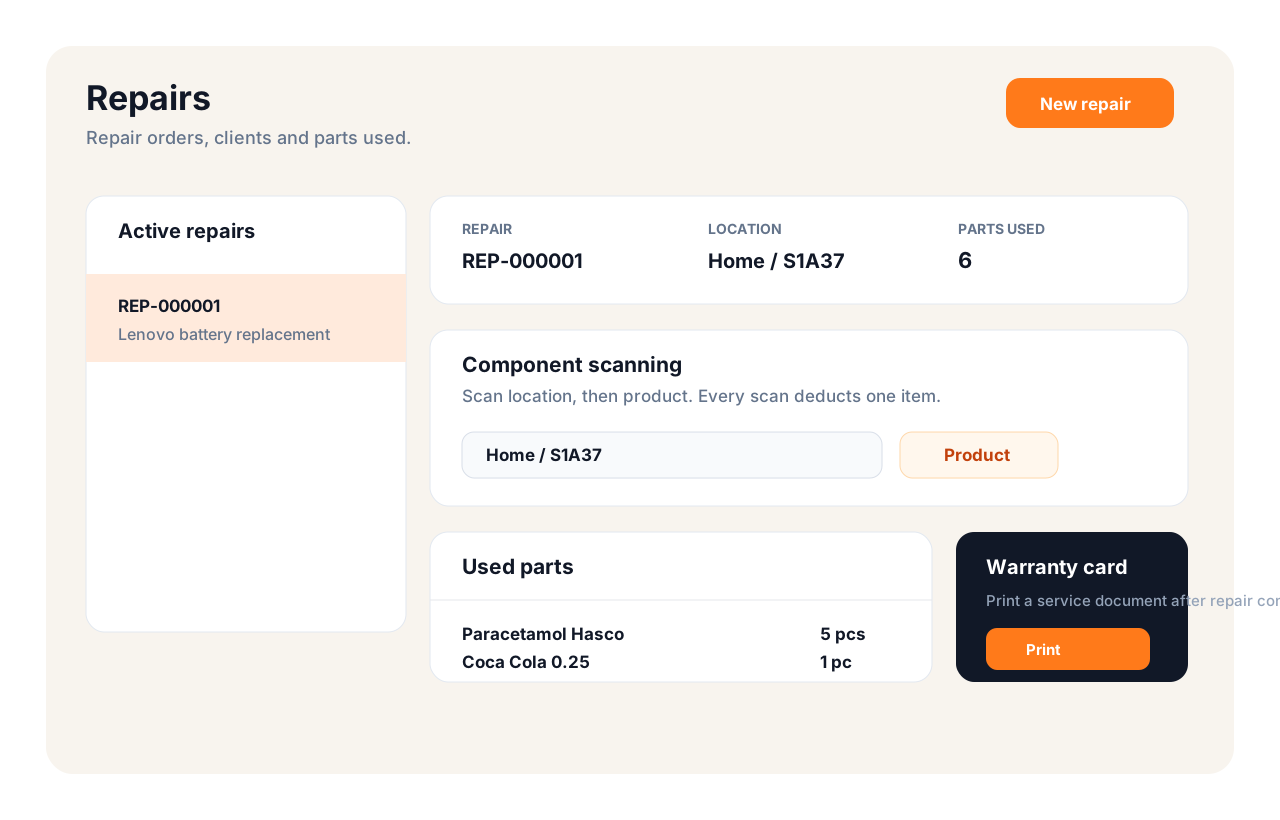
Scan a storage location, then scan parts. FixStock deducts stock and keeps the repair document ready for printing.
The workflow is deliberately simple, so a technician can start using it without a long training session.
Register the account, choose a plan and set your service name, address, logo and language.
Create warehouses, shelves, cabinets and bins. Every location can have a QR code or barcode label.
Use existing product barcodes, add photos, SKU, MPN, cost, minimum stock and compatibility notes.
Incoming quantity is saved through stock receipt movements, so history stays clean and auditable.
Select a repair, scan a location and scan the component. One scan writes off one item.
Low-stock notifications and purchase recommendations help you reorder before parts run out.
FixStock combines inventory, repairs, barcode labels, warranty documents and cloud sync in one Windows-first workspace.
Know the warehouse, shelf and bin for every component.
Use manufacturer barcodes or print your own labels for products and locations.
Every used part is connected to a repair and can be printed in the warranty document.
Keep working locally and sync with the Laravel API when the internet returns.
Control users, devices and plan limits from the server-side admin panel.
Turn low-stock risk into supplier orders and replenishment planning.
When a customer is waiting, you should know in seconds whether the part is in stock and exactly where to find it.
One unit available for the next console repair.
Scan a label at the counter, confirm the part and FixStock records the movement before the repair ticket leaves your desk.
Scanner connected
HDMI Port PS5
Repair usage saved
Low-stock alerts help you prepare the next purchase list before the parts drawer is empty.
Paste a part number and get a suggested name and compatible devices. Every suggestion stays marked until a person confirms it.
Suggested match from the part number.
Keep searching, scanning and recording stock movements offline. FixStock syncs changes when the connection returns.
Begin with a simple inventory setup and add team workflows when you need them.
Start free with up to 100 products.